5 Essential Automation Tools to Supercharge Your Workflow
In today’s fast-paced digital landscape, streamlining your workflow is essential for maximizing productivity. Here are 5 essential automation tools that can help you achieve just that:
- Zapier: This powerful tool enables you to connect different applications and automate repetitive tasks without any coding knowledge. For example, you can set up a Zap to automatically add new email subscribers to your CRM.
- IFTTT: Standing for 'If This Then That', IFTTT allows users to create simple conditional statements, or 'applets', that connect various services. This can help automate actions like posting on social media whenever you publish a new blog post.
Continuing with our list, here are three more tools that can significantly enhance your existing workflow:
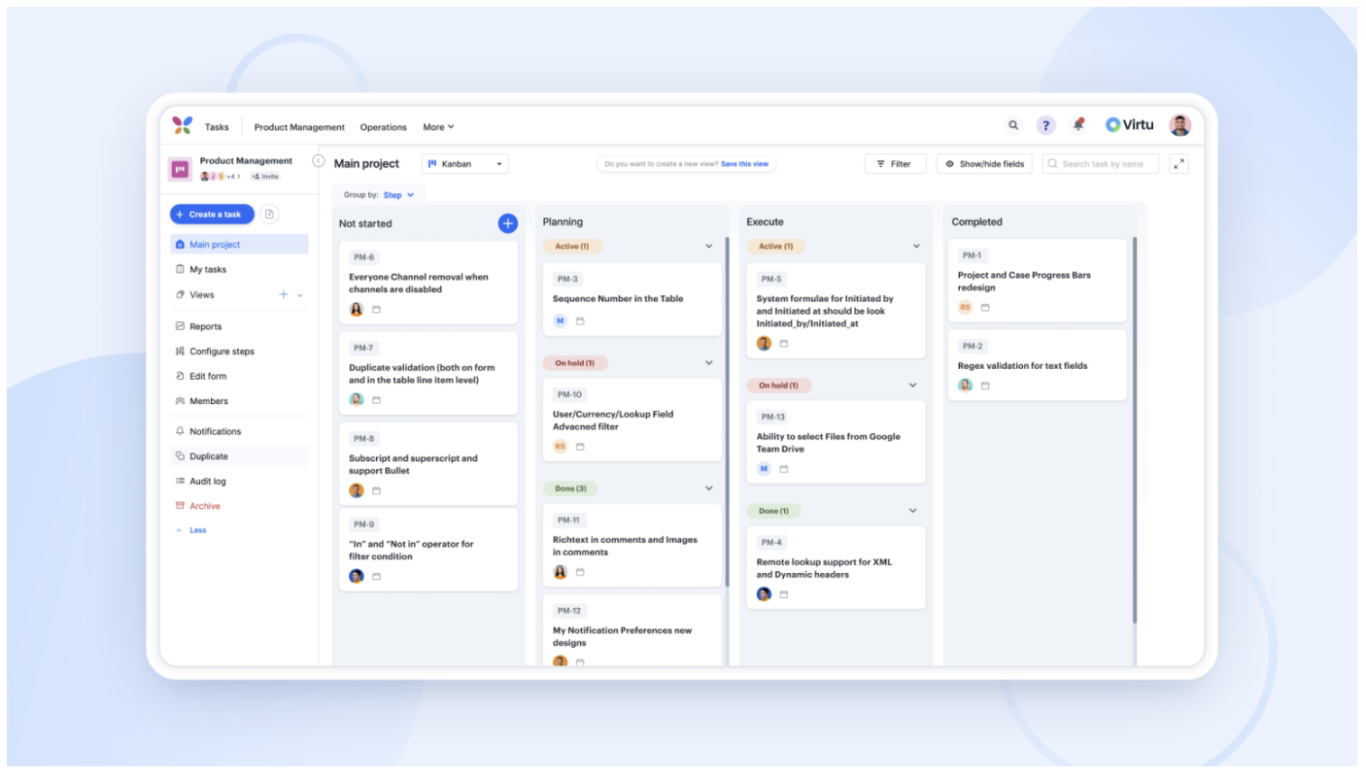
- Asana: As a project management tool, Asana helps teams track their work, set deadlines, and collaborate efficiently. You can automate task assignments and status updates to keep everyone on the same page.
- Slack: While primarily a communication tool, Slack can be integrated with various apps to automate notifications and reminders, thereby reducing the need for constant check-ins.
- Calendly: This scheduling tool automates the process of booking appointments. It eliminates the back-and-forth emails, allowing others to see your availability and schedule meetings at their convenience.
How to Identify Bottlenecks in Your Workflow: A Step-by-Step Guide
Identifying bottlenecks in your workflow is essential for enhancing productivity and efficiency. Start by observing your current processes closely. Make a list of all the steps involved, and then review the time taken for each part. You can categorize tasks into different stages, such as planning, execution, and review. Once you have a clear overview, look for stages where delays frequently occur. A simple tool like a flowchart can help visualize these stages, making it easier to spot the bottlenecks.
After pinpointing where your bottlenecks are, it’s time to analyze the reasons behind them. Ask yourself:
- Are there too many tasks assigned to one person?
- Is there a lack of resources or tools?
- Are communication gaps slowing down the process?
Is Your Team Ready for Automation? Key Questions to Consider
As businesses continue to evolve in the digital age, many teams are faced with the question, Is your team ready for automation? Before diving headfirst into automation tools and practices, it's essential to evaluate your team's current capabilities and mindset. Consider asking the following key questions:
- What processes are currently manual and time-consuming?
- What skills does your team possess that can be enhanced through automation?
- How adaptable is your team to changing workflows and technology?
Another crucial aspect to assess is your team's readiness to embrace the changes that automation entails. Beyond the technology, the human element plays a significant role in successful integration. Reflect on these points:
- Have you communicated the benefits of automation to your team?
- What training or resources are in place to support your team during this transition?
- How do you plan to measure success and address any resistance to change?